


Instagram Planner
for creators, entrepreneurs & small brands

Instagram Planner
for creators, entrepreneurs
& small brands

START FOR FREE

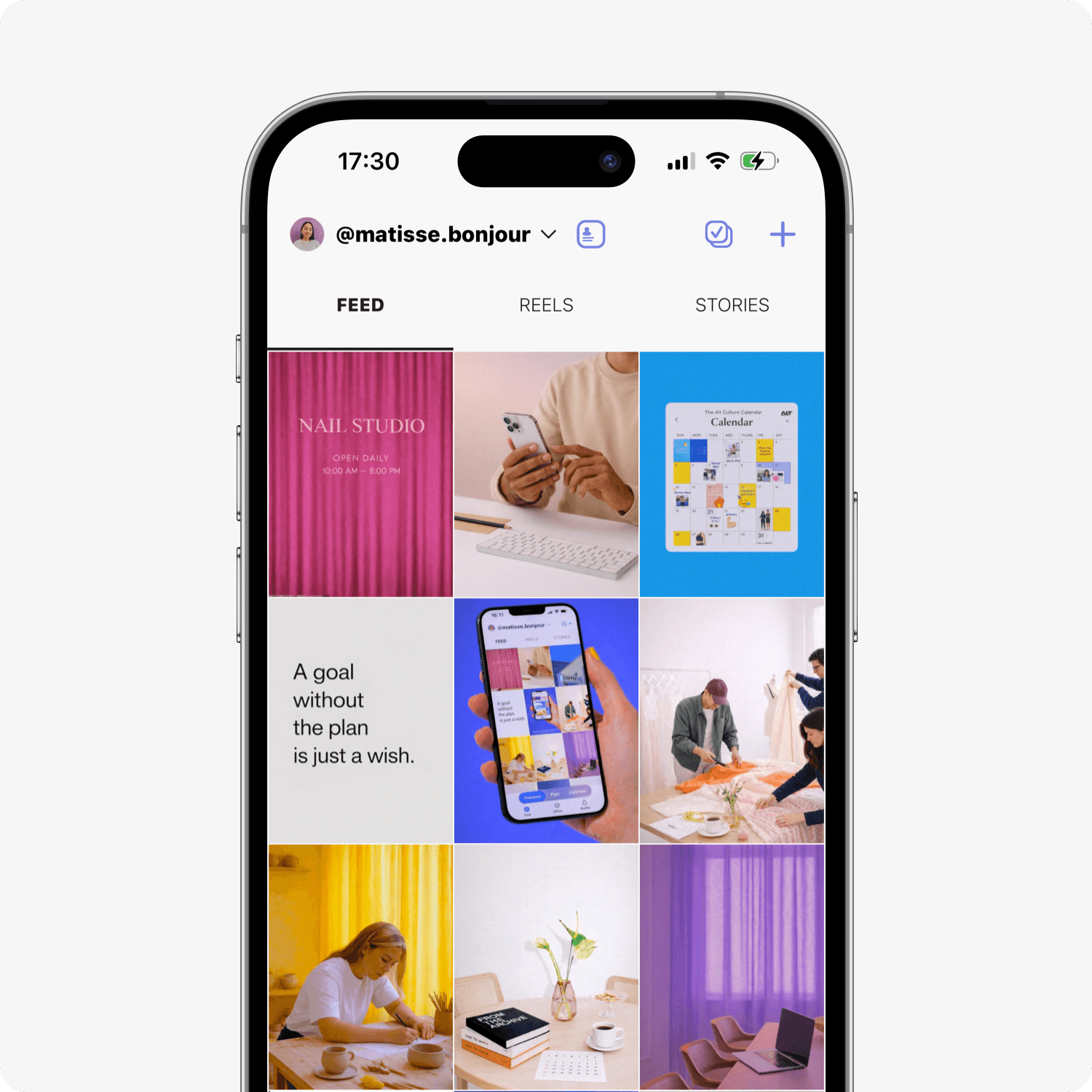
Visually plan your feed, organize content without overwhelm,

and post consistently with auto-posting.

Visually plan your feed, organize content without overwhelm,

and post consistently with auto-posting.

Step 1.  

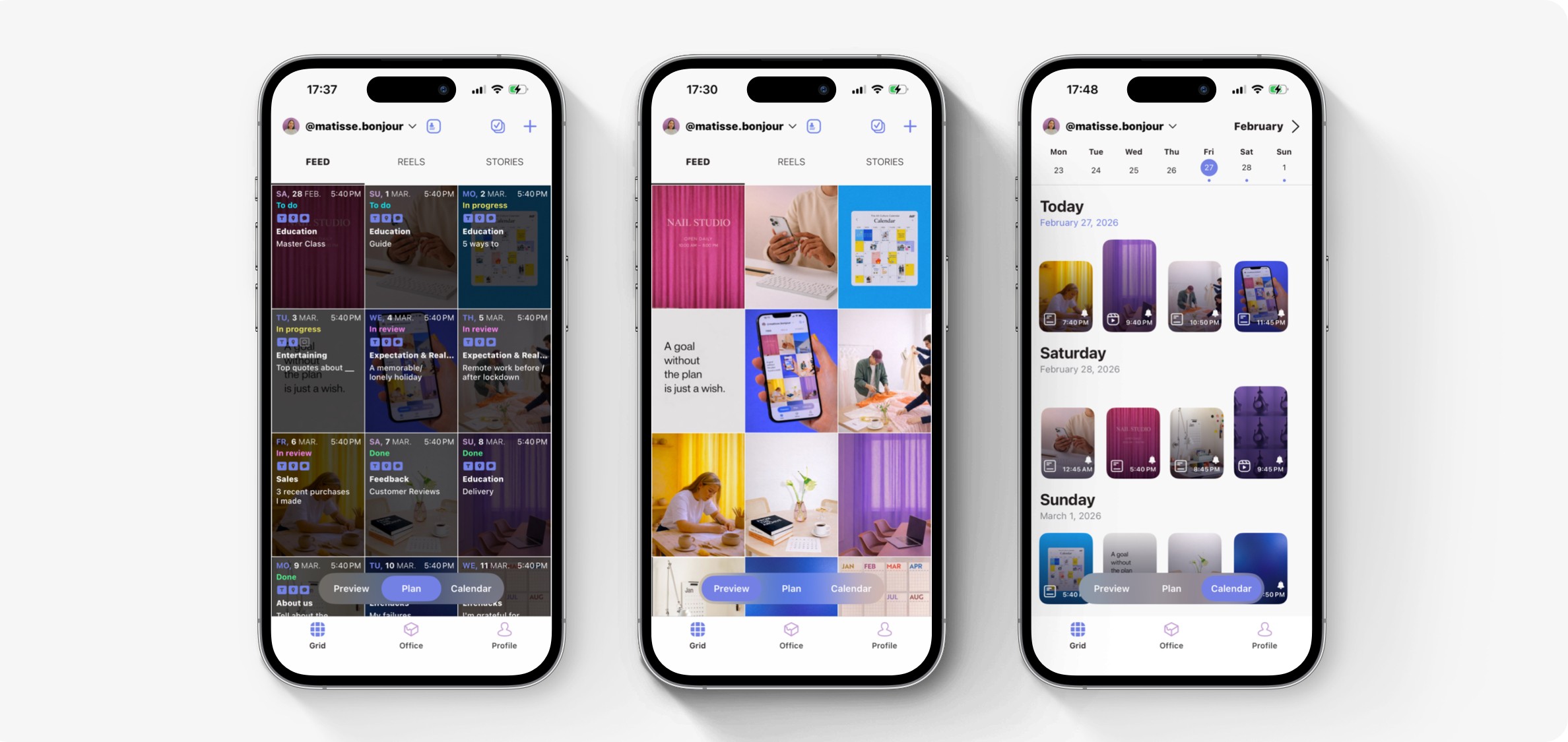
Drag & drop to preview visually your feed.

Step 2.  

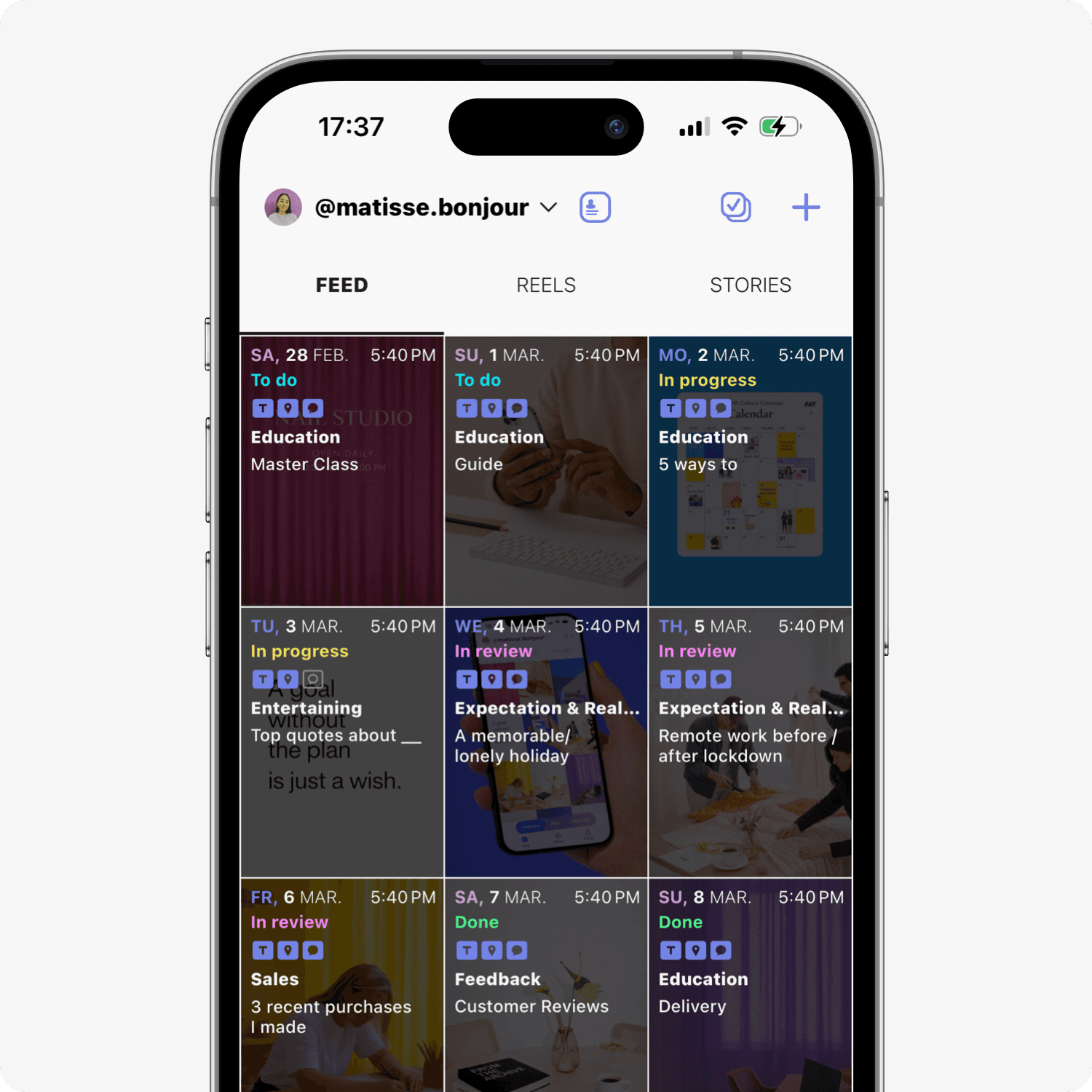
Create your content plan for weeks ahead to avoid overwhelm.

Step 3.  

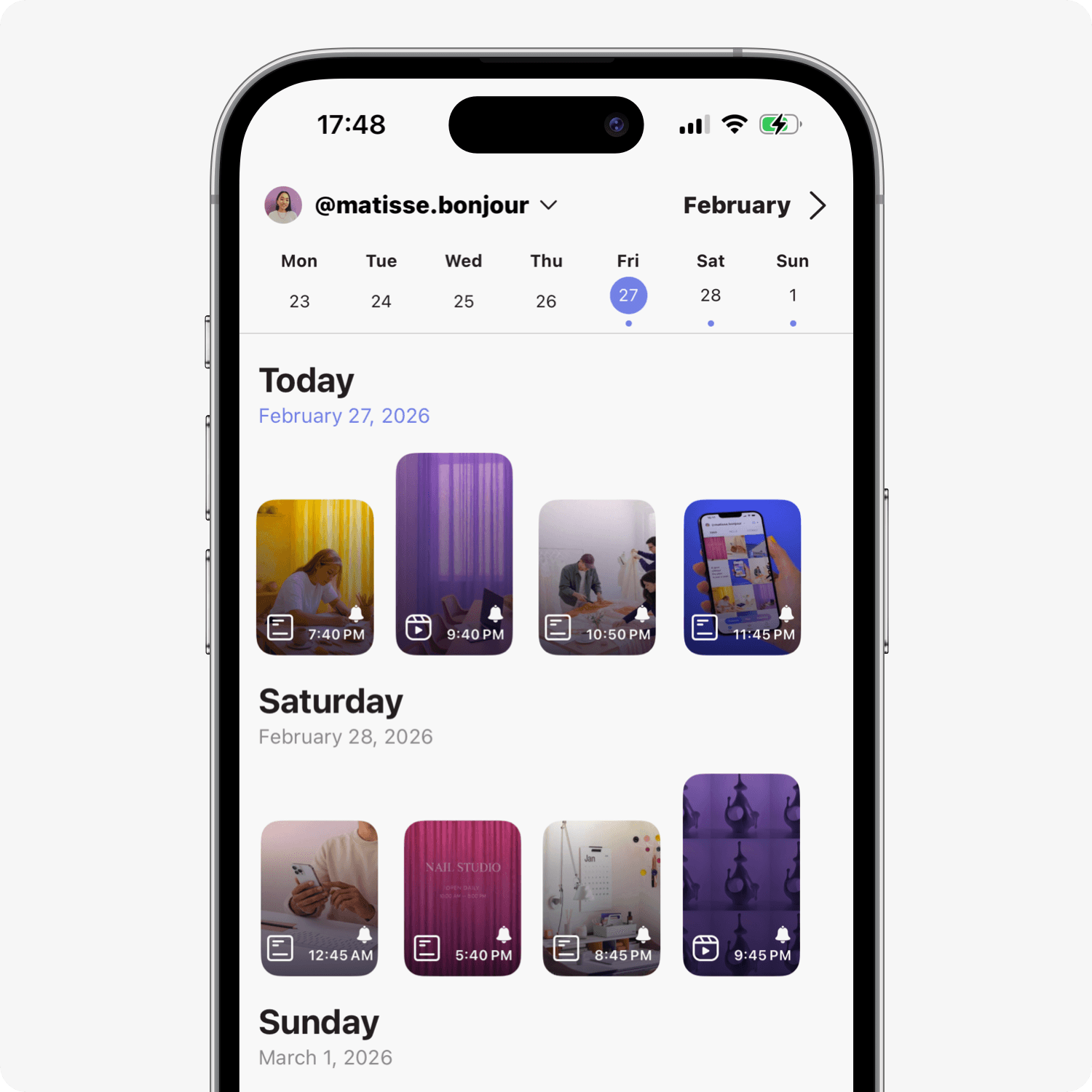
Schedule auto-posting to stay consistent on Instagram.

How it works
Visually plan.

Visually plan.

Visually plan.

Preview your feed, carousels and Reels covers before publishing — and keep your profile cohesive.

Preview your feed, carousels and Reels covers before publishing — and keep your profile cohesive.

Organize your content.

Organize your content.

Organize your content.

Create a content plan, get post ideas, and write captions — without chaos or overwhelm.

Create a content plan, get post ideas, and write captions — without chaos or overwhelm.

Post consistently.

Post consistently.

Post consistently.

Schedule auto-posting or set reminders — and keep your audience engaged without daily effort.

Schedule auto-posting or set reminders — and keep your audience engaged without daily effort.

Preview. Plan. Post.

Preview. Plan. Post.

Can I use Content Office for free?

Yes. There’s a free plan with essential features. You can also start a 3-day Free Trial to access all unlimited features.

Can I schedule auto-posting to Instagram?

Yes. Content Office supports auto-posting for posts, carousels, Reels, and Stories.

Is Content Office available on desktop or Android?

No. Content Office is currently available only on iOS devices. There is no desktop or Android version at this time.
FAQ

Preview your feed, organize posts, and stay consistent on Instagram.

Preview your feed, organize posts, and stay consistent — all in one Instagram planner.